From previs to picture
From a blocked shot to an AI film still.
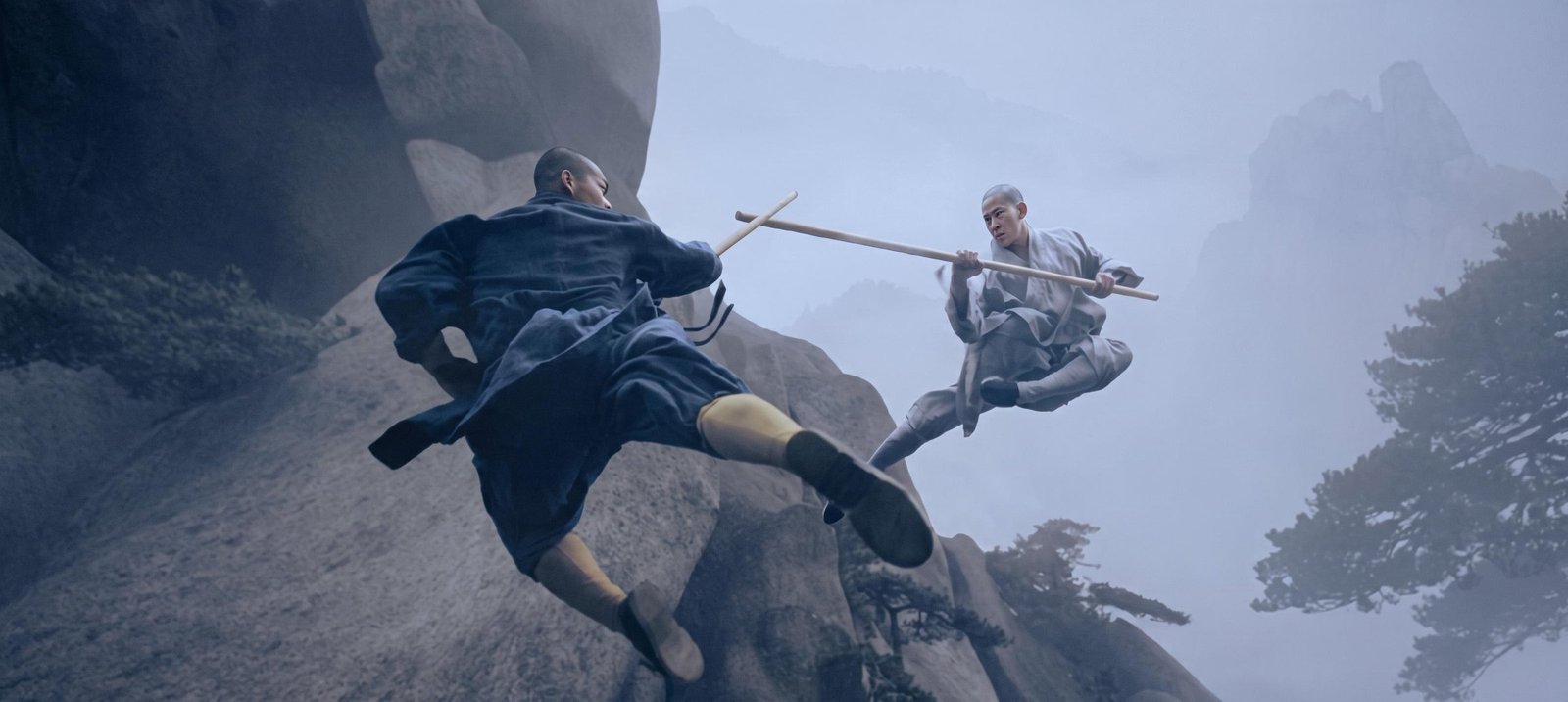
Drag to compare each original Previs Pro shot with its film still, generated in Dreamina using Seedream 5.0 Pro.
Block your actors, choose a lens and rehearse the camera move in 3D. Take the same shot plan to set or use it to guide an AI-generated frame.
Drag to compare each original Previs Pro shot with its film still, generated in Dreamina using Seedream 5.0 Pro.
Choose a lens, set the camera angle and decide how much of the actor fills the frame.
View guideCompare focal lengths, set the aperture and switch between widescreen and vertical framing.
View guideMove the camera while recording, or grab a single still. Review both in the Media Bank.
View guideReal-time handheld recording. Frame and record a take from your phone while the director watches the same shot live in Studio.
Spatial Tracking. On a supported AR phone, tap Auto Align where you want to start. Walk forward for a push-in, step sideways to track, or turn to pan. The virtual camera follows your movement through the set.
Show the shot instead of describing it. Walk heads of department through coverage before call time.
Test focal length, camera height and framing for every setup ahead of the tech recce.
Present a moving previs cut instead of a moodboard and lock client approvals earlier.
Teach blocking, coverage and lens choice on a web-based 3D set.
Place your actors and props, then frame the shot.
Arrange your takes on the timeline and set the pace of the cut.
Export the sequence as a motion reference for your AI video tool.
See how a previs shot translates into a finished AI frame.
Pair Claude or ChatGPT with your studio tab through MCP. Your agent reads the scene and builds custom sets on request.


Previs Pro is currently in beta.
Select Open Studio and sign in with your Google account.
No. Previs Pro runs entirely in the browser.
Claude and ChatGPT, paired with your studio tab through MCP.
Stills as PNG, takes and the Master Sequence as MP4, and the full project as JSON.
NOD3 Studio, an AI Creative Studio in Malaysia.
Use frames exported from NOD3 Previs Pro as visual references in your preferred AI filmmaking platform.